Two of the most common ways a small business gets breached don't look like a "hack" at all: a phone call that talks its way past your instincts, and an email that quietly delivers malware. This briefing covers both — what they look like, how they unfold, and what your staff should do the moment they spot one.
Part 1 — Vishing (Voice Phishing)
Definition — What is Vishing?
Vishing is short for voice phishing. It is social engineering carried out over a voice channel such as phone calls, voicemail, Teams call or automated robocalls. The attackers impersonate a trusted party such as the bank, the ATO or Business owner and manipulate the victim into disclosing sensitive information, credentials, approving MFA or redirecting a payment.
Why should you care in a small business?
There are many reasons why you should care in a small business. In the annual cyber threat report 2024-2025, it stats that the Australian Signals Directorate received over 84,700 cybercrime reports. That is roughly one every 6 minutes and the cost for cybercrime is small business rose 14% to $56,600. (ASD, 2025)
The 2026 Verizon Data breach report states that the human element featured in 62% of breaches and in phishing simulations, voice and text-based lures achieved click rates 40% higher than email. Attackers are moving to phones because email gateways cannot inspect phone calls. (Verizon, 2026)
How a vishing attack unfolds
Stage 1 – Reconnaissance. The attacker harvests names, roles and phone numbers from the business website, LinkedIn, the ABN register, invoices, or a prior data breach. Voice samples are scraped from podcasts, webinars, social video, or simply by calling and recording the greeting.
Stage 2 – Pretext construction. A believable story anchored to something the victim expects: an unpaid invoice, a suspicious transaction, an expiring subscription, a suspicious Microsoft 365 login.
Stage 3 – Contact and urgency. Caller ID is spoofed. The script manufactures time pressure and often secrecy ("Don't discuss this with anyone!")
Stage 4 — Exploitation. One of four asks:
- read out a one-time passcode / approve the MFA prompt,
- install "support" software (AnyDesk, TeamViewer, ScreenConnect),
- change the bank details on a supplier payment,
- disclose the password directly.
Stage 5 — Monetisation. Fraudulent payment, mailbox access for business email compromise, or credential handoff to a ransomware operator.
The most likely scenarios to hit your small business
Fake bank fraud team. In this scenario, you receive an urgent call from someone claiming to be from your bank fraud team. They will request you to confirm the code they have texted you. The code is the banks own login OTP.
Payment redirection with a voice assist. The bookkeeper receives an emailed invoice with altered BSB/account details, then a follow-up call from the "supplier's accounts team" confirming the change is genuine. The call is what defeats the scepticism the email alone would have triggered.
The owner's clone. A short voice message or call from "the boss", travelling and unreachable by email, asking for an urgent transfer or for gift cards to be purchased.
(ASD, 2023)
Red flags — what to look out for
- Inbound contact you did not initiate asking you to prove your identity.
- Urgency followed with consequences
- A request for transaction secrecy
- Any request for a one time code, password or MFA approval.
- A request for to install remote access software
- A change to payment details communicated by phone or emails
- Unusual payments methods such as gift cards or cryptocurrency
- The caller resists a call back on a number you find yourself.
What should you and your staff do
Stop – Check – Protect
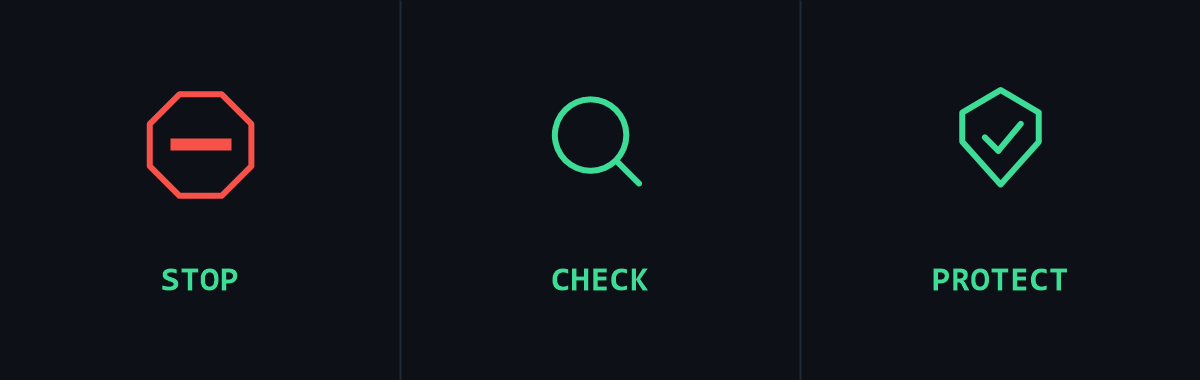
- Hang up the call and call back on a number you can source independently. Look for numbers on the official website or saved supplier contact. Never the number the caller gives you.
- Verbal verification for any payment changes. Make sure to callback any pre-recorded numbers for every change of bank details regardless of who asks.
- Adopt phishing resistant MFA, Use passkeys or FIDO2 security keys rather than sms codes.
- Report it to ReportCyber, scam watch and the banks fraud line if money was moved.
Part 2 — Malware-Infected Emails
What is a Malware-Infected Email?
A malware-infected email is crafted to deliver malicious software to the recipient's device, either as an attachment, a link to a download, or an embedded script. The most damaging end state is ransomware: malware that encrypts a victim's files and demands payment, usually cryptocurrency for the decryption key. It rarely arrives on its own. In a small business it is usually the final stage of a malware-infected email, showing up days or even months after the initial compromise.
A few related terms worth knowing:
- Infostealer — malware that quietly harvests saved passwords, cookies and session tokens. Now a documented precursor to ransomware.
- Trojan / dropper / loader — malware disguised as something benign, whose job is to fetch the real payload.
- Payload — the malicious component that executes once the lure succeeds.
- Macro — embedded code in an Office document; historically the classic infection route.
Why should you care in a small business?
96% of ransomware victims in the 2026 Verizon DBIR, where organisation size was known, were small and medium businesses. (Verizon, 2026)
Ransomware featured in 48% of breaches, up from 44% the previous year. (Verizon, 2026)
Among ransomware victims who had suffered an infostealer or credential compromise (73% of them), half had credentials stolen within the 95 days before the ransomware hit, the infection and the visible disaster are months apart. (Verizon, 2026)
ASD's 2024–25 reporting indicates business email compromise fraud accounts for around 15% of business-related cybercrime, with a further 19% being email compromise without direct financial loss, meaning roughly one in three cybercrime incidents affecting Australian businesses starts with email. (ASD, 2025)
Third parties were involved in 55% of SMB breaches, a compromised supplier mailbox is a common source of a "trusted" malicious email. (Verizon, 2026)
How the infection chain works
Lure - Delivery - Execution - Persistence - Impact
Stage 1 — Lure. An invoice, a delivery notice, a resume, a shared document notification, a myGov/ATO impersonation, or a reply injected into a real email thread from a compromised supplier.
Stage 2 — Delivery. Attachment (.zip, .iso, .img, .html, .pdf containing a link, Office file with macros) or a link to cloud storage.
Stage 3 — Execution. The user opens the file and clicks through the security warning, "Enable Content", "Allow", "Run anyway". The warning is the last line of defense, and it is defeated by curiosity plus urgency.
Stage 4 — Persistence and spread. The malware establishes access, harvests credentials, and moves laterally. Increasingly attackers abuse legitimate remote-management (RMM) tooling rather than custom malware, the 2026 DBIR notes RMM abuse up 240% while traditional backdoor and C2 malware fell 27%. This is why antivirus alone is insufficient.
Stage 5 — Impact. Encryption and extortion, fraudulent payments, or data theft. For a small business the operational disruption typically exceeds the ransom itself, days of lost trading, lost customer records, and mandatory breach notification obligations.
Red flags in an email
The sender. Display name matches, but the actual address does not. Look-alike domains ("rn" for "m", ".co" for ".com.au"). A reply that arrives from a slightly different address than the thread it claims to continue. A known sender is not proof of safety, heir mailbox may be compromised.
The context. Were you expecting this? Does this supplier normally send invoices this way? Is the request consistent with how this person actually communicates?
The ask. Urgency, threat, secrecy, or an instruction to bypass a normal process. Any email that wants you to enable content, disable protection, or approve a payment.
The attachment or link. Unexpected attachments of any type. Archive files (.zip, .7z, .iso) that "contain the invoice". Hover the link and read the destination before clicking, on mobile, long-press to preview. Password-protected attachments with the password in the email body are a deliberate scanner-evasion technique, not a security feature.
Poor grammar, generic greetings and obvious typos are no longer reliable indicators. AI-drafted lures are fluent, correctly branded and personalized, that old advice is now actively misleading.
What staff should do
Before opening
- Verify out-of-band: phone the sender on a known number, or walk to their desk.
- Never enable macros or "enable content" in a document received by email.
- Do not open archives or disk images from an unexpected sender.
After clicking
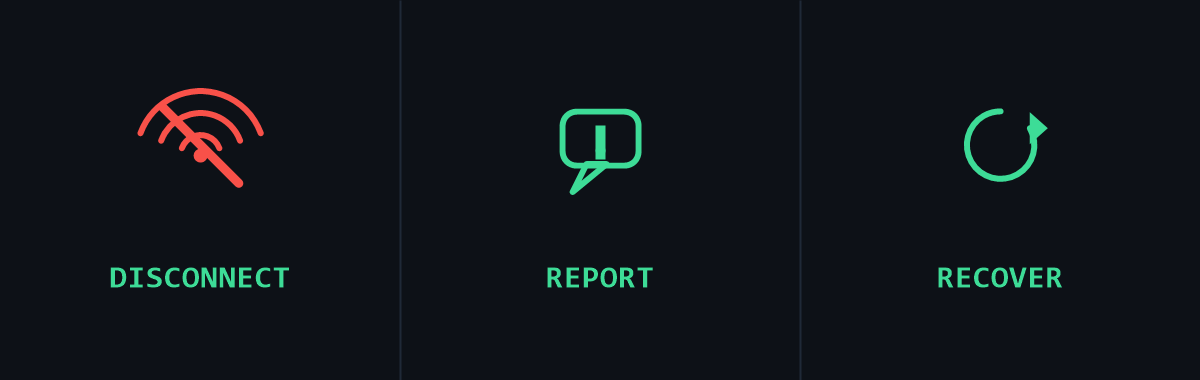
- Disconnect from the network (unplug the cable / turn off Wi-Fi). Do not power the machine off unless instructed — volatile evidence is lost.
- Report immediately. No blame. The most damaging thing an employee can do is stay silent for two days out of embarrassment.
- Change passwords from a different, clean device but not from the machine you suspect.
- Report to ReportCyber and, if personal information may be involved, consider obligations under the Notifiable Data Breaches scheme (Privacy Act 1988).
Technical controls to recommend to the owner
- Automatic patching of operating systems and applications.
- Offline or immutable backups, tested by actually restoring something. A backup that is permanently mounted is encrypted along with everything else.
- MFA on email — the single highest-value control against business email compromise.
- Application allow-listing and disabling macros from the internet by policy.
- Email filtering with attachment sandboxing; DMARC/SPF/DKIM on the business's own domain to stop the business itself being impersonated.
These map directly onto the ASD Essential Eight, patching, macro settings, application control and regular backups between them cover most of the chain above, and Maturity Level One is a realistic starting target for a small business.
References
- ASD, Australian Signals Directorate 2023,. Small business cyber security guide.
- ASD, Australian Signals Directorate 2025, Annual Cyber Threat Report 2024–25*.
- n.d, Essential Eight Maturity Model. Australian Signals Directorate.
- Verizon, Verizon Business, 2026, 2026 Data Breach Investigations Report.